ⓘ
Writing assistance. My Writing Tools provides formatting and style suggestions. All proofreading flags should be reviewed by the author — nothing is changed without your approval. Full Terms & Disclaimer.
My Writing Tools is a format-aware writing companion for screenwriters, novelists, and bloggers. Screenplays format themselves in Fountain as you type. Blog posts render Markdown live. Fiction stays clean and distraction-free.
When you’re ready for an editing pass, tap Analyze — the app flags issues by category with plain-English explanations, and you accept or reject every suggestion individually. Nothing is ever auto-corrected. No AI rewrites your voice.
Built for people who work across formats: the script in the morning, the chapter at night, the blog post in between.
Key Features
- Live Fountain screenplay formatting as you type — scene headings, dialogue, and transitions recognized automatically
- Live Markdown formatting for blog posts with one-tap preview
- Fiction and short story mode with scene breaks and chapter headings
- On-device proofreading — accept or reject each suggestion individually, no AI rewrites your voice
- Read Aloud with follow-along highlighting to catch rhythm and dialogue issues by ear
- Optional on-device Natural Voice — downloaded once, used offline, your text is never uploaded
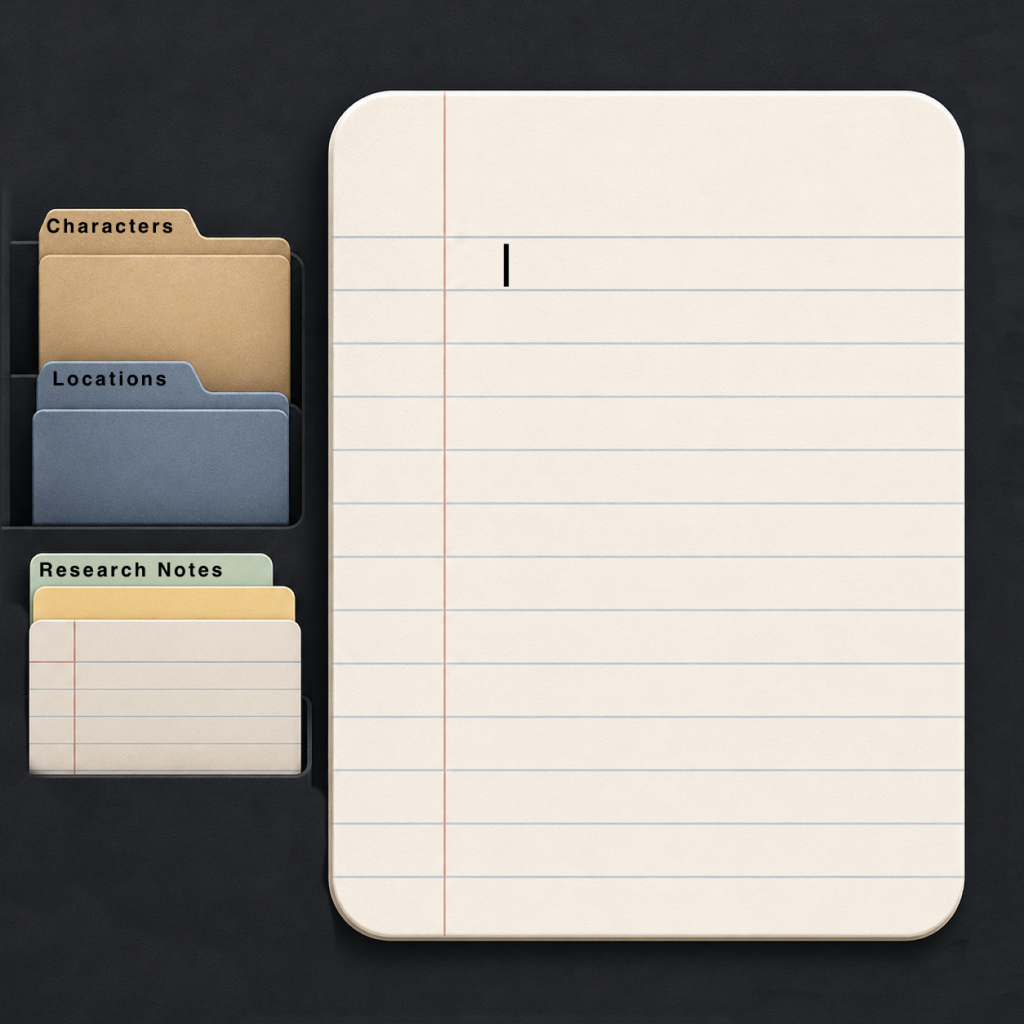
- Project workspaces with Novel, Short Story, Screenplay, and Blog templates
- Continuity tracker for characters, places, and invented terms per project
- Session writing goals — timer, word count, or both
- Inline notes that strip from every export automatically
- iCloud sync via your private Apple account — no developer access
- Export to plain text, Markdown, and Fountain — compatible with Highland, Final Draft, Scrivener, and Ulysses
- Works offline — no internet required for core features
- No account required
This app does not collect, transmit, or store any personal information. Read the full Privacy Policy.